CREATING A SYSTEM DASHBOARD IN DYNAMICS 365
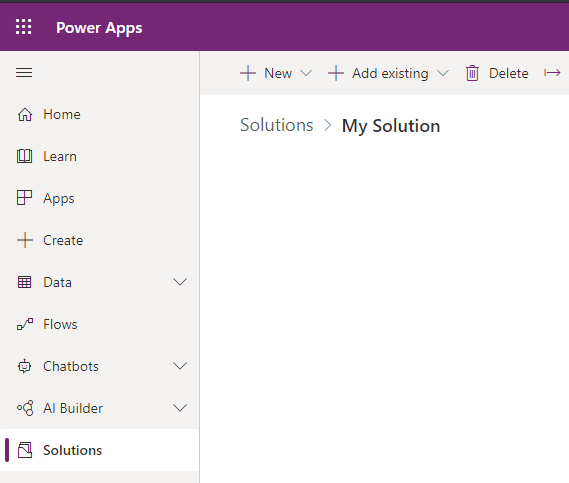
To create a system dashboard, go to the Power Apps Maker and create a new solution:
Then select New->Dashboard and select the type of dashboard:
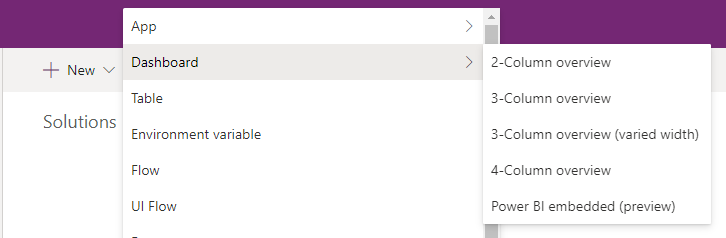
We will select 2-column overview:
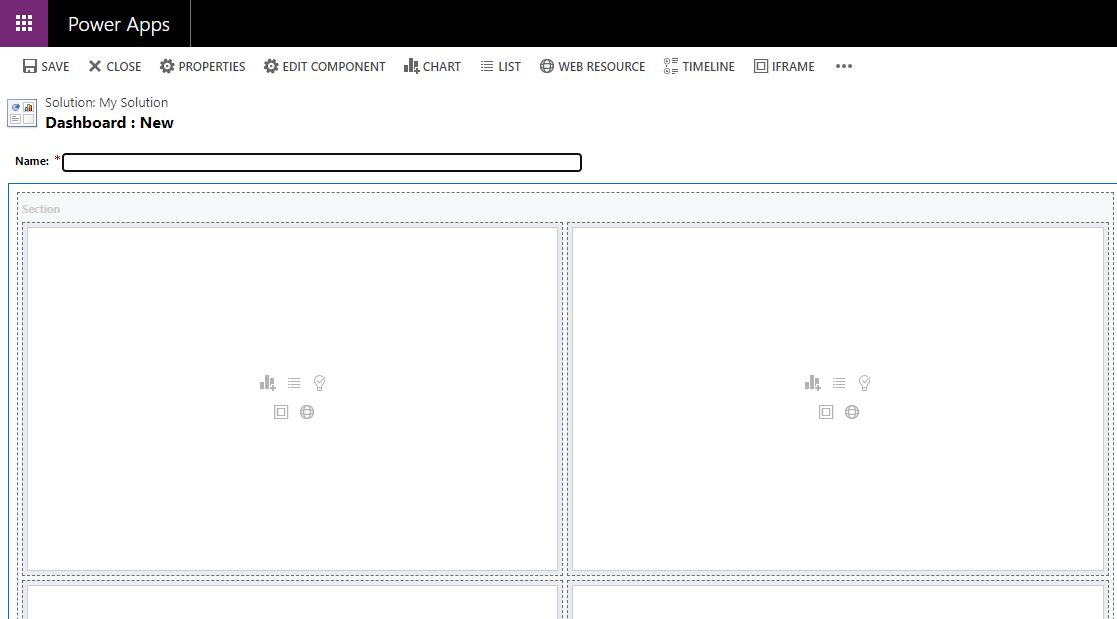
Give the dashboard a name:

Talha Manzoor
My background is entirely involved in Microsoft Dynamics CRM Sales/Service/Marketing solution management, implementation, development, .Net Development, with the majority of it in Microsoft Dynamics CRM 2011/2013/2015/Online and .Net Solutions Implementation, Development and Application analysis. Extensively worked in Dynamics CRM Customization and Configuration, Plugins, custom workflow activities, Rest, Soap,Javascript and CRM custom integration and data migration.


